
YOUR GUIDE TO CUSTOMISATION
EMBROIDERY & PRINTING
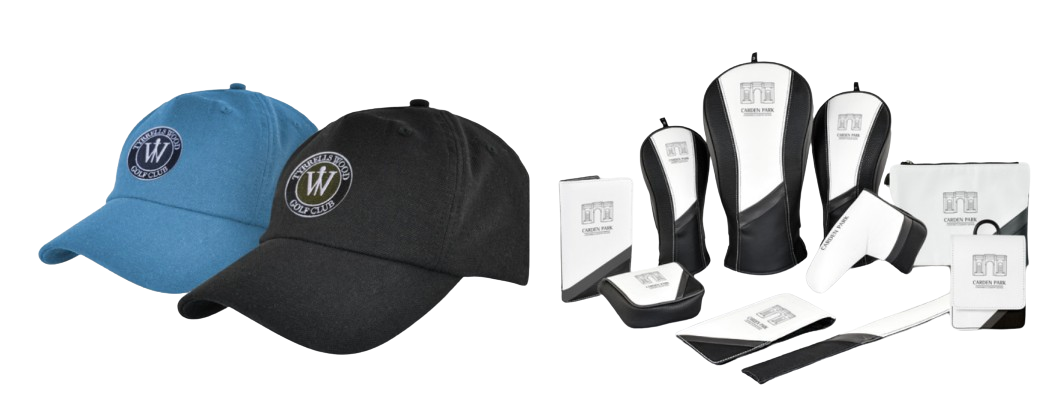
Learn how to personalise your products with the right file formats and processes.
GET IN TOUCH
STEP BY STEP GUIDE
EMBROIDERY GUIDE
HOW TO PREPARE YOUR LOGO
Follow these simple steps to ensure your logo is ready for high-quality embroidery.
1
Send us your Logo
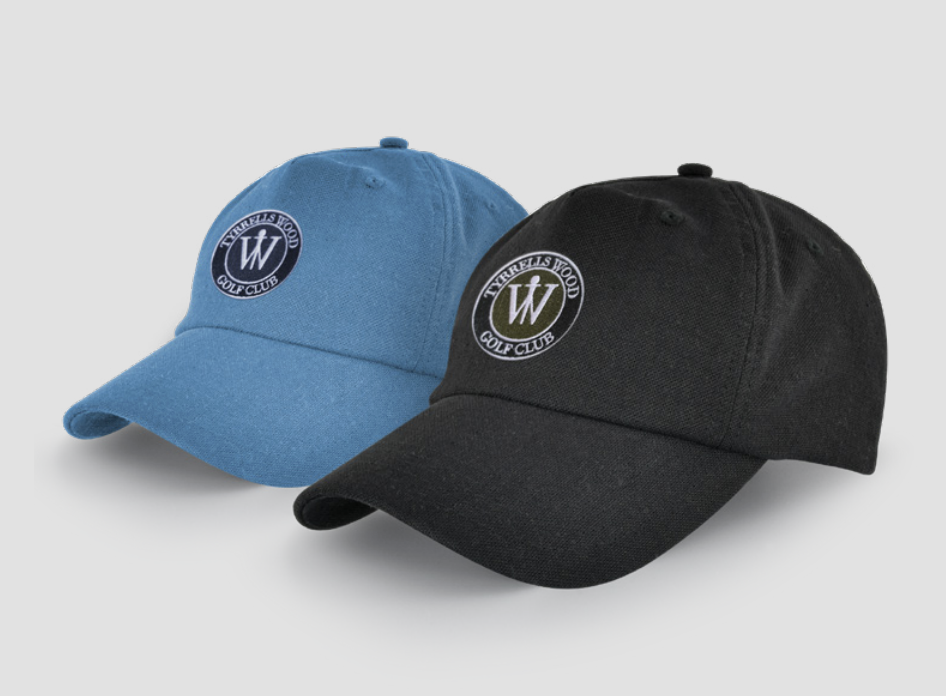
- No need for high-res or vector files—we convert your logo into an embroidery-friendly DST file.
- Free first-time digitisation (includes one DST file & a swatch).
2
Approve the Preview
You’ll receive a preview of the embroidery layout for approval.
3
Final Adjustments (If Needed)
- Any changes requiring a new DST file may incur a cost change dependant on stitch count.
Printing Guide
How to Prepare Your Logo
Ensure your artwork meets our printing requirements for the best results.
1
Provide a Vector File
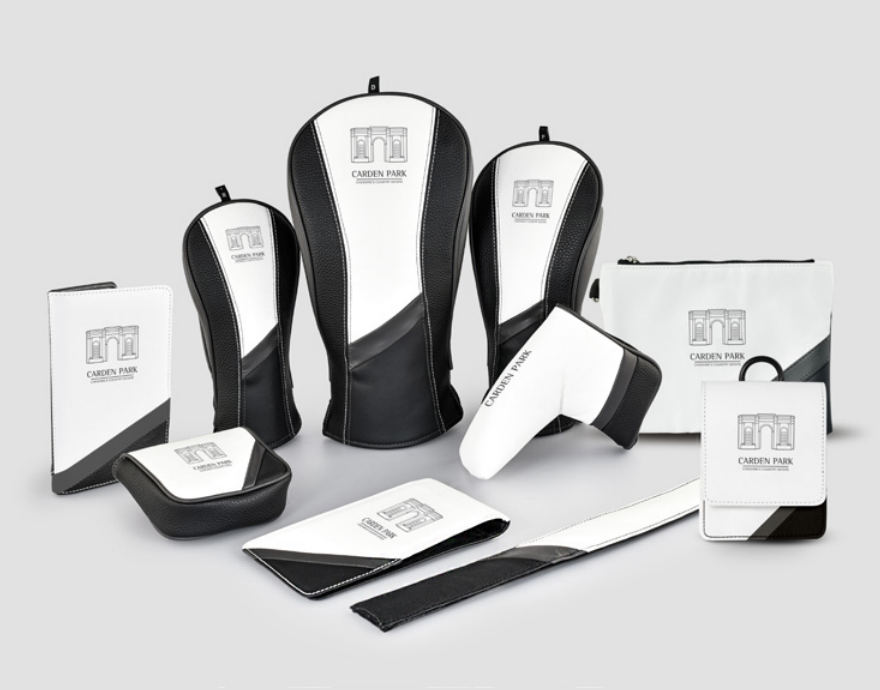
- Accepted formats: .pdf, .eps, .svg
- Not accepted: .jpeg, .png, .gif
2
Need Help? We Offer a Redrawing Service
If you don’t have a vector file, we can redraw it for you, based on complexity.
3
Approve & Proceed
Once your file is ready, approve the proof and proceed to production.
FAQs & Common Mistakes
Q: What happens if I upload the wrong file format?
A: We’ll notify you and offer a redrawing service if needed.
Q: Can I make last-minute changes?
A: Yes, but changes after production starts may incur extra fees.